Adobe After Effects Course: Practical Motion Graphics & Animation
Learn how to create visual effects and motion graphics and animate like a pro with this step-by-step course!
Start LearningWhat You'll Learn
- Master the After Effects interface, timeline, tools, and core animation workflows
- Create professional motion graphics, text animations, and video edits
- Work with 3D layers, cameras, lights, Cinema 4D, and geometry-based animations
- Design looping content, UI animations, logos, and social media motion graphics
- Animate characters, facial expressions, and full body movement
- Apply VFX techniques including tracking, distortions, glow effects, and compositing
- Use Mocha, Firefly, and modern AI-assisted tools inside After Effects
- Build cinematic scenes, transitions, and popular visual styles
- Export and deliver projects using professional workflows
30 Day Money-Back Guarantee
100% refund, no questions asked.
Lifetime Access
Access your content on any device, at any time.
Teaching Support
Never get stuck with our teaching assistants on call.
About The Course
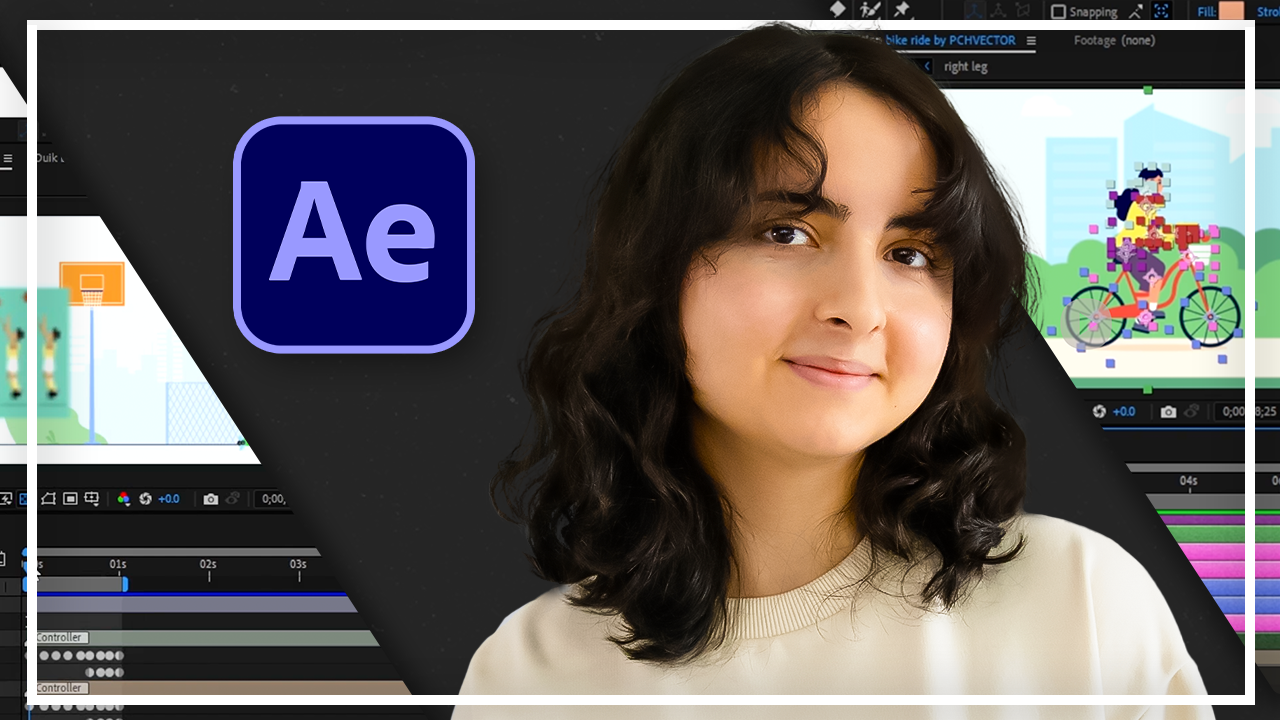
Create impressive animations, motion graphics, and visual effects with Adobe After Effects! Have you ever wanted to bring dynamic visuals and captivating animations to your projects? Adobe After Effects is the industry-leading tool for creating motion graphics, visual effects (VFX), and animations used in commercials, movies, and digital content. In this comprehensive and practical course, you’ll master essential After Effects skills, from navigating the interface, working with layers and tools, and creating animations, to designing motion graphics, character animations, 3D effects, and stunning visual effects. Through clear, step-by-step tutorials, you’ll learn techniques such as video editing, color correction, text animations, green screen compositing, and advanced effects like rotoscoping and motion tracking.
Guided by an experienced animator and VFX artist, each lesson includes practical examples and detailed demonstrations to ensure you build the skills needed to produce professional-quality animations and visual effects. Enroll today and elevate your projects with engaging motion graphics and eye-catching animations!
Curriculum
14 chapters · 214 lectures · 57 hours of content
Ready to start learning?
Get this course plus the entire Skillademia library for one price.
Start Learning